
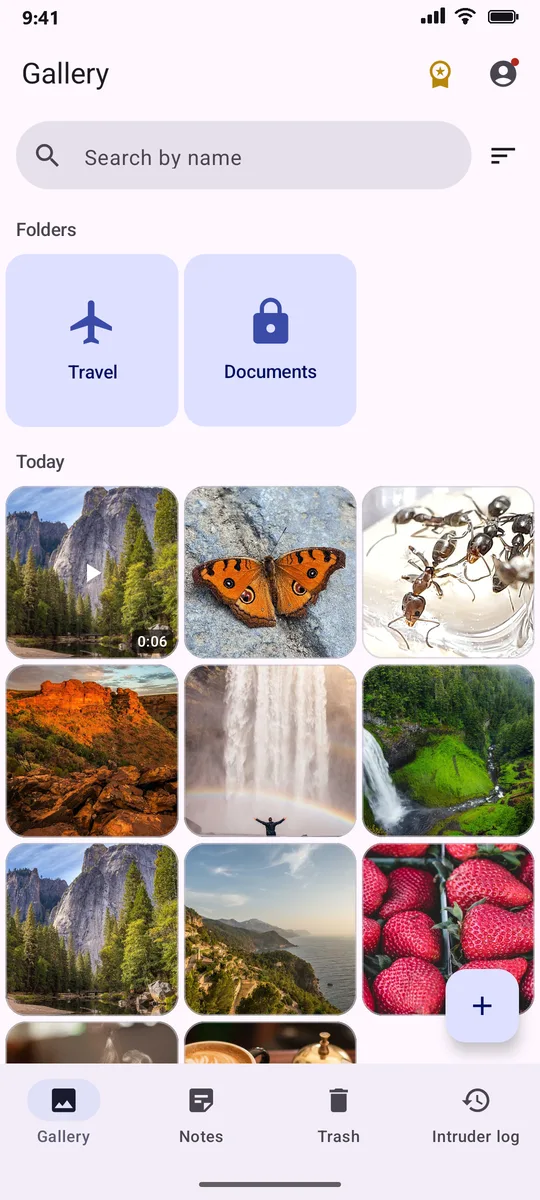
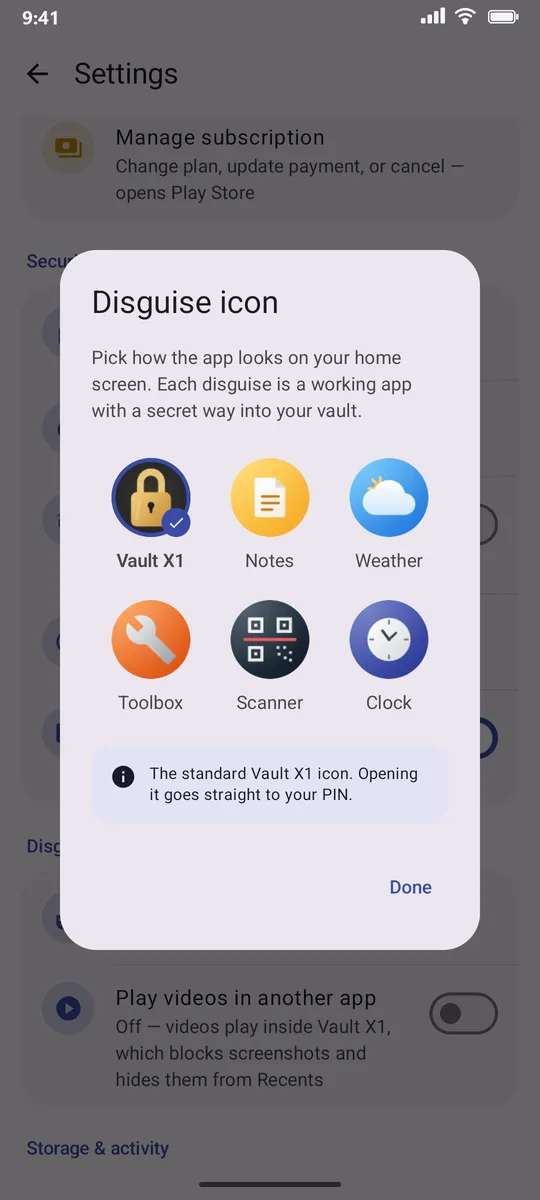
Looks like another app. Opens your vault.
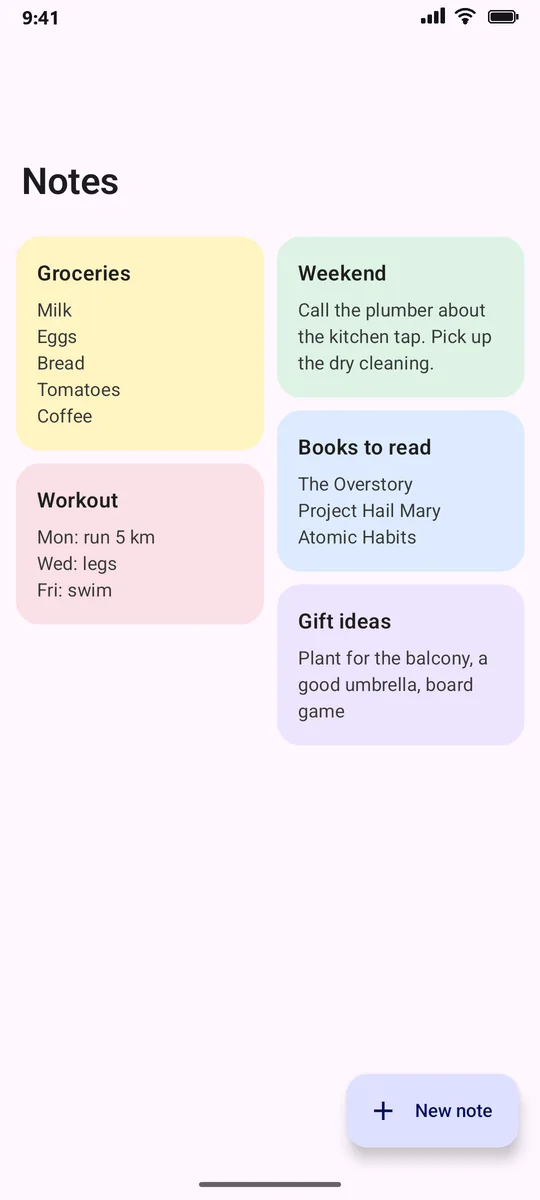
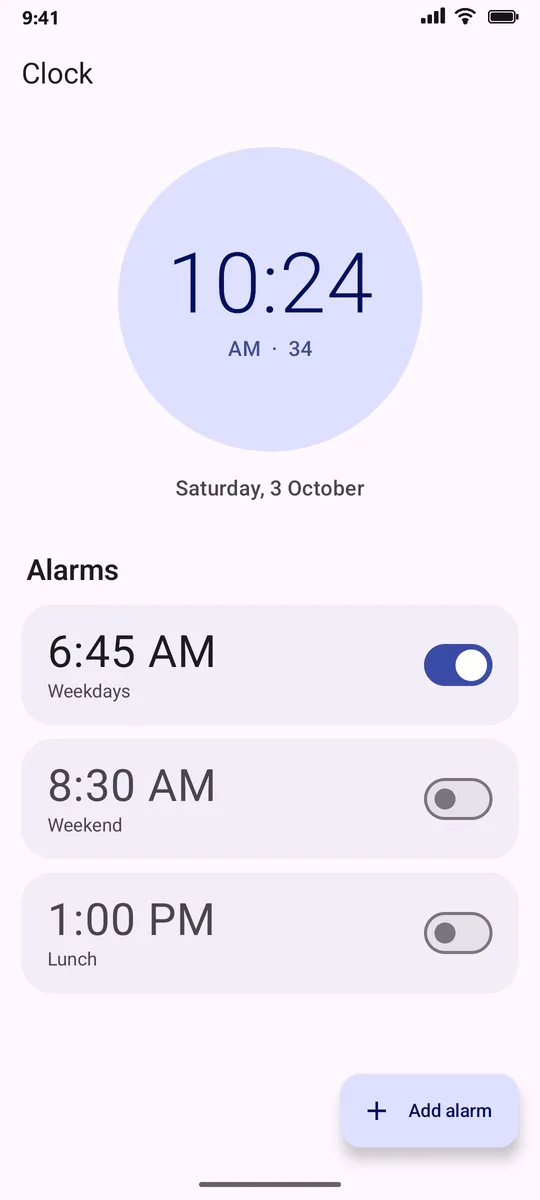
Change the app's icon and name to Weather, Notes, Clock, Scanner or Toolbox. Each one is a working app, and only you know the secret gesture that opens your vault behind it.
 Weather
 Notes
Notes Clock
Clock Scanner
 Toolbox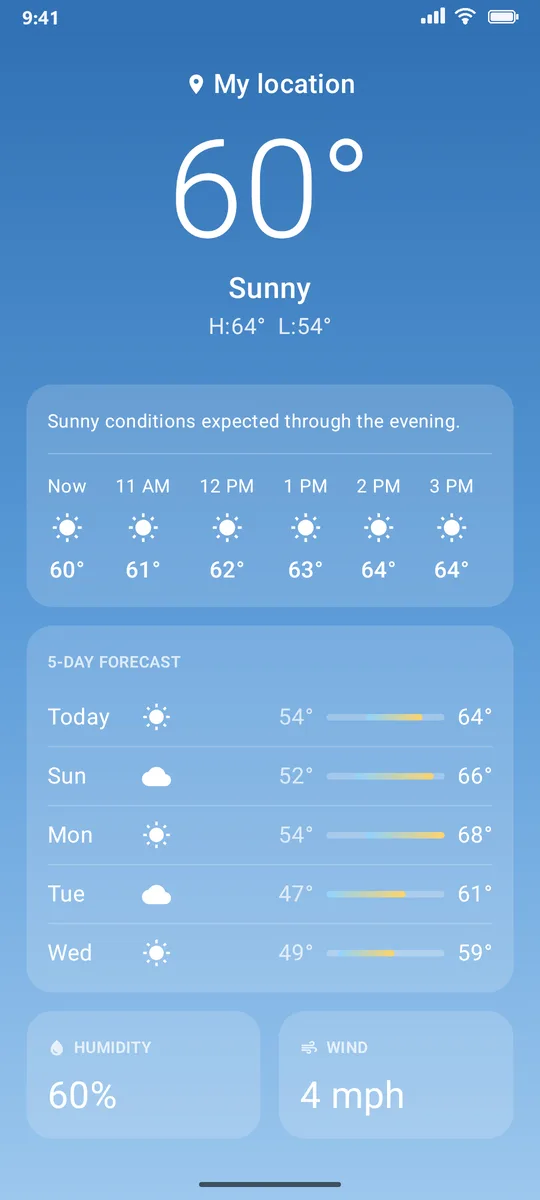
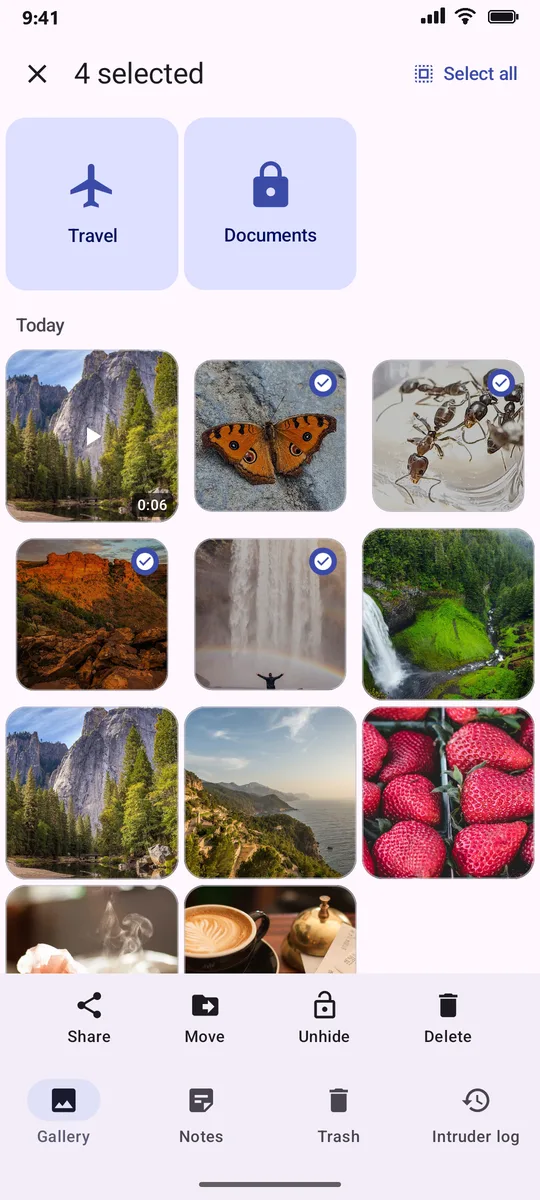
A real gallery, for your eyes only.
Import photos, videos and any file, or take photos straight into the vault. Nothing is left behind in your phone's regular gallery unless you put it back.
- Folders, each with its own icon
- Full-screen viewer: tap to hide the buttons, double-tap to zoom
- Select several to share, move or unhide at once
- PDFs, documents and any other file, too

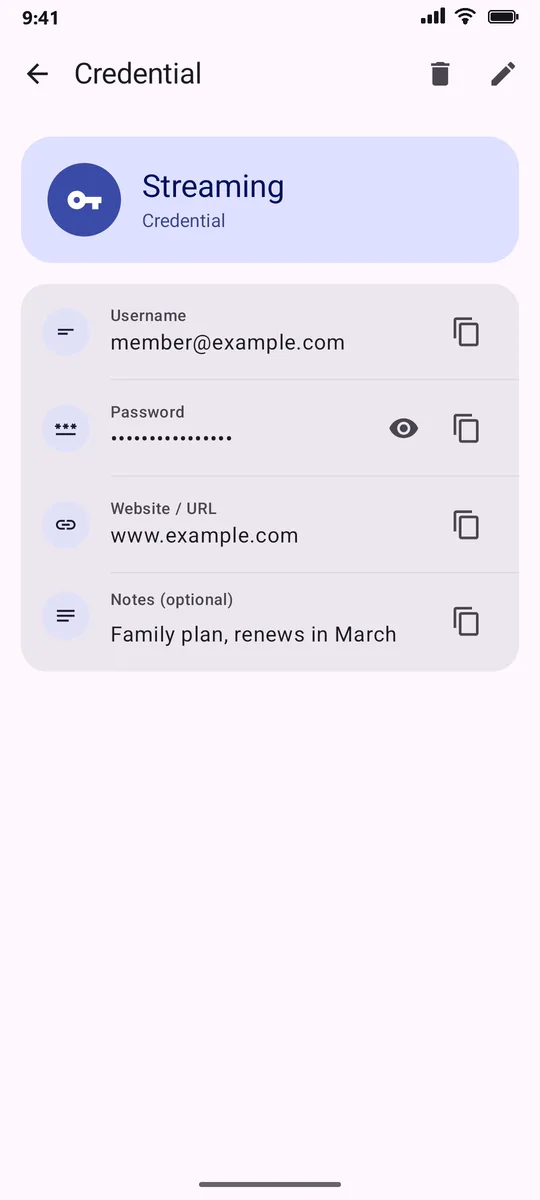
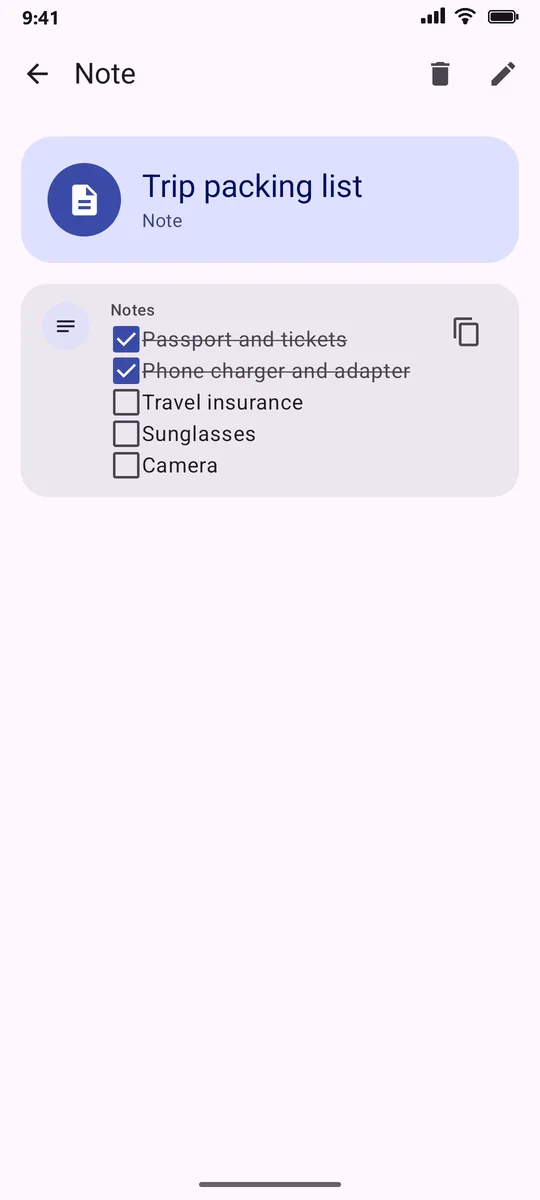
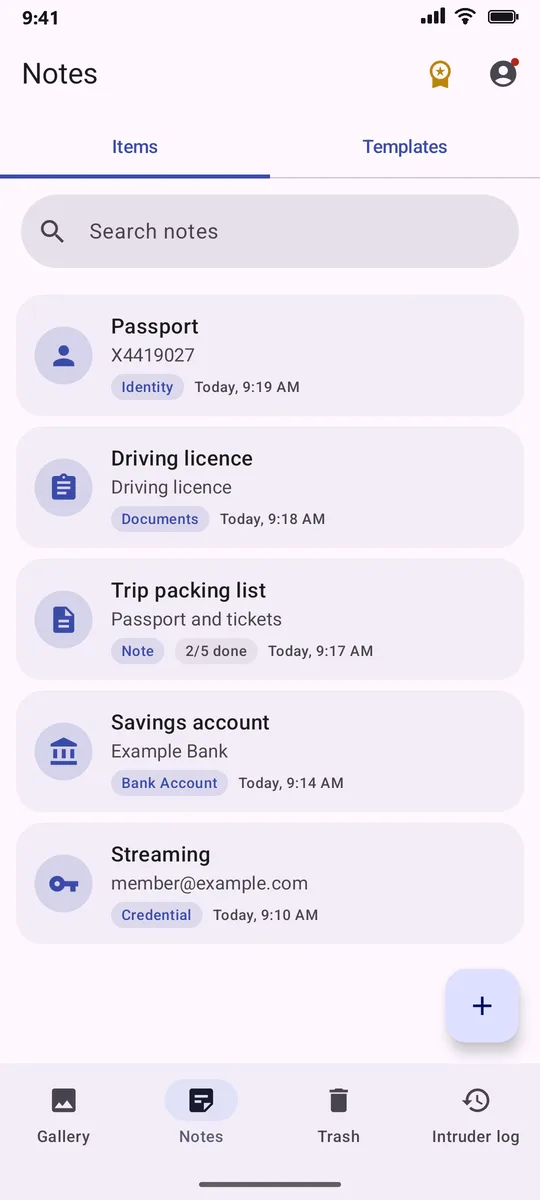
Passwords, cards and IDs, locked away.
Ready-made templates for logins, bank accounts, IDs and documents, or design your own fields.
- Password generator, and copied passwords clear themselves
- Checklists you can tick off right in the note
- Search across everything at once
A decoy PIN, and a photo of whoever tries.
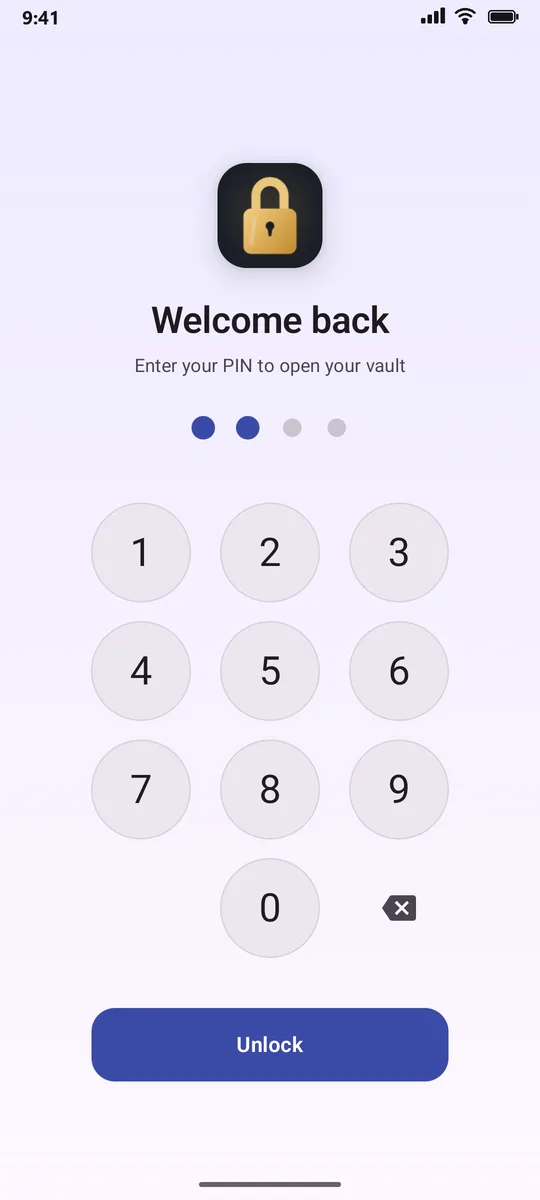
If someone forces you to unlock, enter your duress PIN: it opens a separate, empty vault while your real one stays hidden. With break-in alerts on, a wrong PIN quietly takes a photo with the front camera.
- After a few wrong PINs, guessers have to wait, up to 15 minutes
- Intruder photos are kept in your backup, so they survive a lost phone
- Locks itself when the screen turns off, or when you leave the app
- Screenshots and screen recording are blocked inside the vault
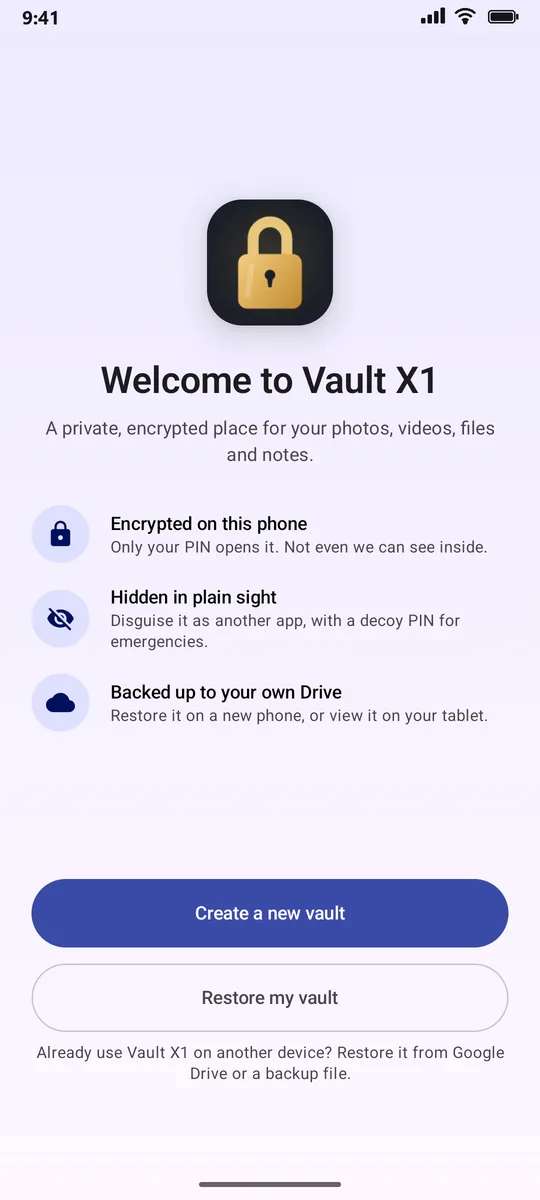
One vault, on every device.
Back up to a hidden folder in your own Google Drive, encrypted on your phone first and protected by a passphrase that's separate from your PIN.
- New phone? "Restore my vault" brings it all back
- Use the same vault on your tablet: one device backs up, the others show it
- Or save it all to an encrypted backup file
- Already have a vault on the phone? Combine both, or replace it
- Restoring is always free
Free to start. No ads.
The vault itself is free with no time limit. Vault Pro adds the features that go further.
Free
Forever
- Encrypted photos, videos and files
- Passwords, cards, IDs and notes
- PIN and fingerprint lock
- Folders, Trash and restore
- Notes disguise
- Restore any backup
Vault Pro
Monthly, yearly, or pay once for Lifetime
- Weather, Clock, Scanner and Toolbox disguises
- Decoy (duress) PIN
- Break-in alerts
- Google Drive backup, followed by your other devices
- Encrypted backup files
Good to know
Can anyone at Vault X1 see my photos?
No. Everything is encrypted on your phone with a key only your PIN unlocks. There are no Vault X1 servers; backups go to your own Google Drive, encrypted before they leave your phone.
What if I forget my PIN?
Your PIN can't be recovered, by design. If you've made a backup, reinstall the app and choose "Restore my vault" with your backup passphrase.
How do I open the vault from a disguise?
Each disguise has its own secret gesture, shown inside Settings once you've unlocked. For example, long-press the temperature in Weather.
What happens if Vault Pro ends?
Your vault and everything in it stay. Backups pause until you renew, and restoring a backup is always free.